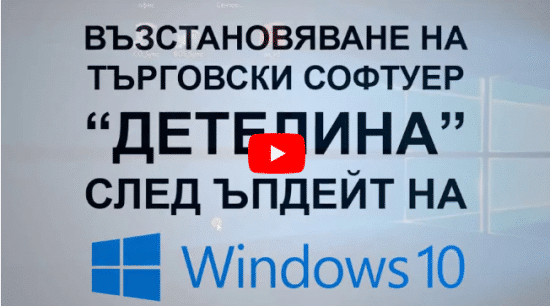
- Download an archive with the necessary files from the “DOWNLOAD ARCHIVE” link above.
- Install the eltrade.exe file as shown in the video above.
- Copy the IB_EBO.dll file and move it to the Firebird UDF directory.
- In some cases, you need to restart the computer, after which everything should work normally.
See more:
Solution to a problem with the Cyrillic alphabet in “Clover” after the Windows 10 update
- Enter the “Control Panel” > “Region”.
- Change the previous settings to other random settings and restart your computer.
- After restarting the computer, log back into “Control Panel” > “Region” and make all the settings on “Bulgarian”.
- Restart.