Dear customers,
In connection with the upcoming update of fiscal devices, we have created this short guide to guide you on what you need to do, when and why.
Please inform yourself in advance!
Your cooperation is key to the successful and smooth transition to the new requirements.
Thank you!
1. Do not turn off fiscal devices between July 14 and August 8.
This is critical in order to carry out the update automatically and remotely.
2. If the display is lit or the lamps on the fiscal printer are flashing – do not touch anything.
This means that an update is underway. If you interrupt the process, you will need to manually update at a workshop.
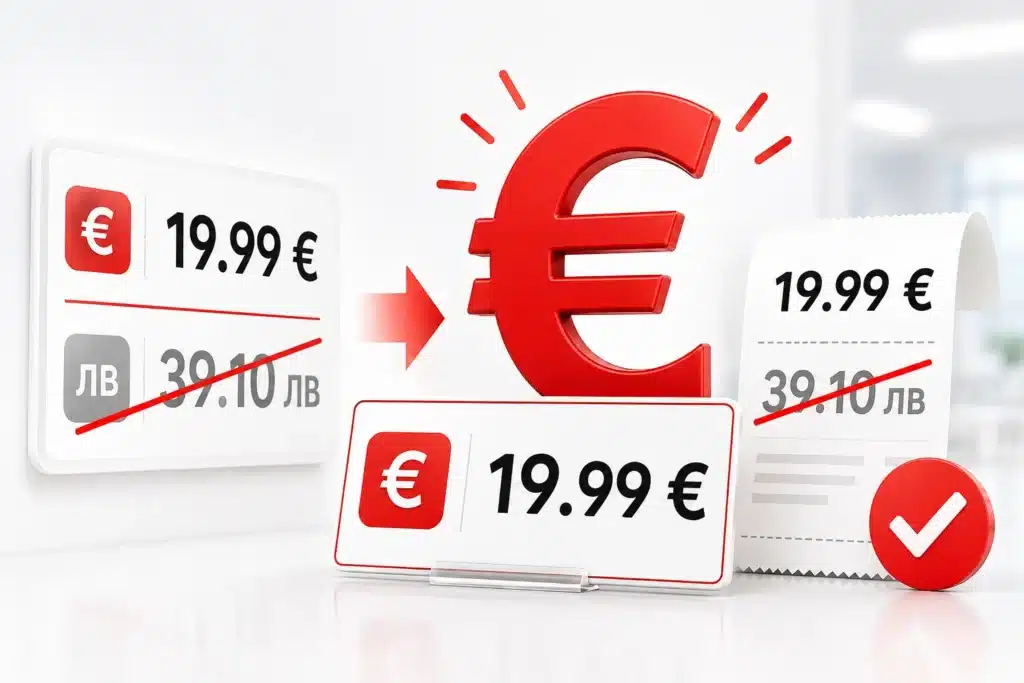
3. The euro will appear automatically on the fiscal receipt on August 8.
No manual programming or additional adjustments are made. From August 8, two currencies of the fiscal receipt will be reflected – lev and euro.
4. After the update, a message will be printed:
“Please turn your fiscal device off and on again.”
– Turn off only the fiscal device (not the computer)
– Turn it back on with a short, one-time press of the ON button
– Do not hold or press other buttons!
5. 3 notes will be printed:
– A note for a successful update
– Two notes on changing circumstances (immediately or after the Z report)
These notes must be attached to the device’s passport.
6. Mandatory visit to a workshop after the update
Bring: the device, the passport and the three notes
You will receive a new certificate, which by law must stand in a visible place
7. The service is paid.
Prices are published on:
https://www.eltrade.com/bg/services/view/poddryjka-na-fiskalni-ustrojstva
Frequently Asked Questions (Q&A)
Please familiarize yourself with them before contacting a service team.
The information below is provided specifically to keep you prepared and relaxed during the process. These guidelines are in your favor and following them will save you time, money and effort
1. Do I have to bring my fiscal apparatus and passport to the workshop?
Yes. After successfully passing the update, you must visit the service to enter the new data in the passport and on the device.
Requirement under Art. 38, para. 1 of Ordinance H-18. In the absence of these data, you are subject to sanctions by the NRA.
2. When will the euro appear on receipts?
After August 8, the value in euros will automatically start printing.
3. Do we need to do manual programming for the euro to appear?
Nope. Everything will happen automatically. You don’t set up anything from the device.
4. I have several devices, but only one of them printed a note – is this a problem?
Nope. Updates are made in stages. Devices in the same site can be updated on different days.
5. The fiscal device lights up, does not respond – should I restart it?
Nope. This means that the update is in progress. If you cut off the power supply, service intervention will be required.
If it lights up for more than 30 minutes – visit the service station with the device and passport.
6. Does the device need to have paper?
Yes. Without paper, the notes will not be able to be printed, which blocks the update.
7. When and how exactly should I turn off and turn on the fiscal device?
Once a message is printed:
“Please turn your fiscal device off and on again.”
– Turn off only the fiscal device
– Turn it on with a short, one-time press of the ON button
– Do not press other buttons or hold ON!
8. What notes will be printed after the update and what should I do with them?
A note for a successful update.
Two notes on a change of circumstances
– If there is no daily turnover: immediately
– If there is turnover: after the Z report at the end of the day
The three notes must be retained and attached in the passport.
9. What happens if I turn off the device during the update?
You will interrupt the process and block the device. A visit to the service center for manual update is required.
10. What do I need to wear when visiting the service company?
– The fiscal device
– The passport of the device
– The three printed notes
The aim is to make changes to the documentation and issue a new certificate.
11. How much does the renovation service cost and where can I see the prices?
The service is paid. Prices are published on:
https://www.eltrade.com/bg/services/view/poddryjka-na-fiskalni-ustrojstva